Knowledge Base
Knowledge Base
Guides, explanations and practical articles for setup, use and solving common situations in On Air Studio.
 Problems and solutions
Common broadcasting problems
Overview of typical stream, silence and audio device issues.
Read →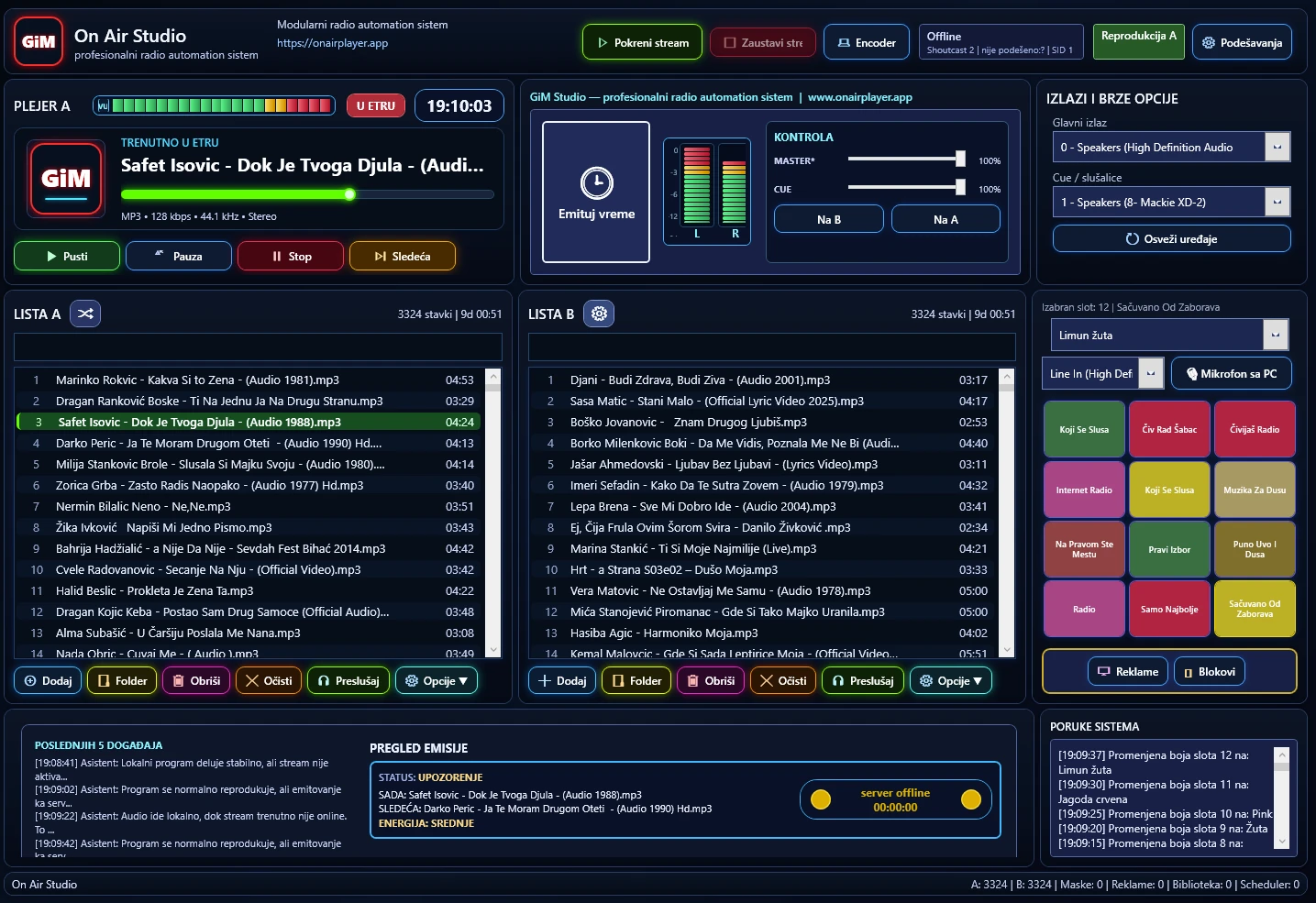 Scheduler
How to use A/B players in live work
Explanation of two-player operation and safer live transitions.
Read →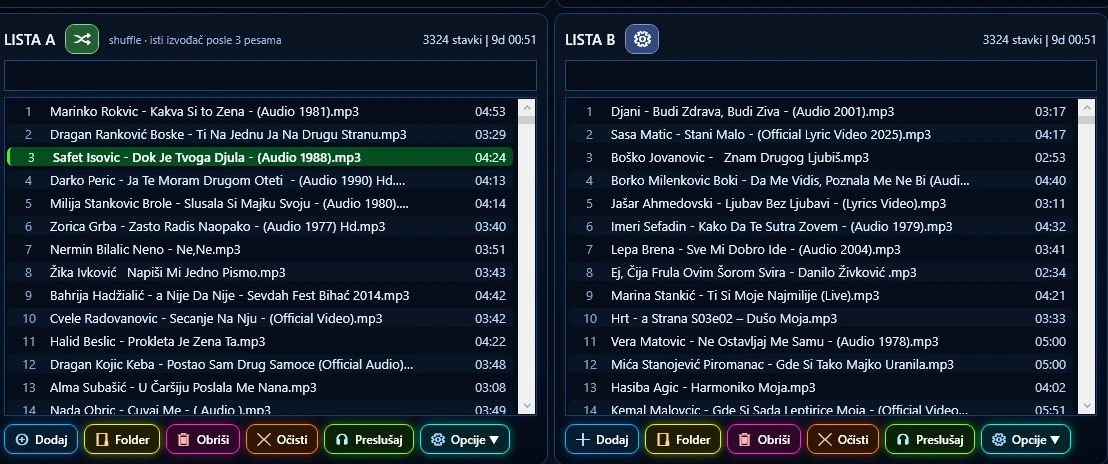 Program setup
How to organise the music library
Tips for library structure, categories, metadata and content preparation.
Read → Advertising
How to prepare an advertising block
Guide for organising advertising blocks and broadcast times.
Read →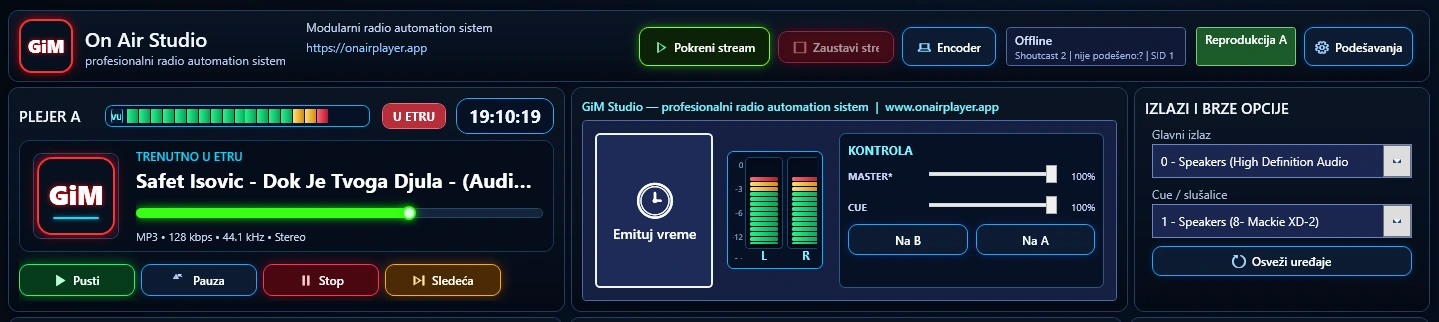 Cue / monitoring
How to use the Cue player
Explanation of previewing content without sending it to the main programme.
Read →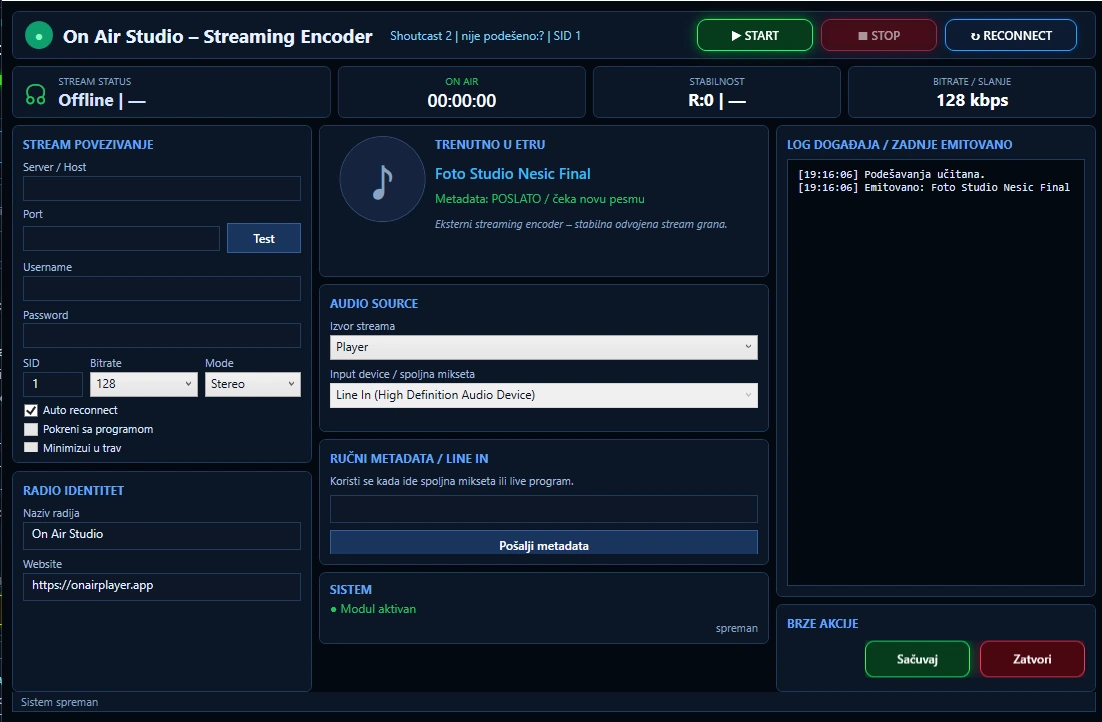 Streaming
How to set up the streaming server
Practical guide for connecting the application to a Shoutcast or Icecast server.
Read →For radio teams
Designed for daily on-air work
This section is intended for radio stations, web projects and users that use or test On Air Studio and related tools.
Users
Radio stations and web broadcasting
Examples of radio stations and web projects that can use On Air Studio and related tools.
 Čivijaš Radio
Open site ↗
Čivijaš Radio
Open site ↗  Radio Šumadinac
Open site ↗
Radio Šumadinac
Open site ↗
Radio workflow
Built for radio stations and web broadcasting
A compact overview of the core elements that explain how the system fits everyday broadcast work.