VU end analysis
Recognises track endings without relying only on MP3 duration.
Radio automation software
Stable radio software for everyday broadcasting.
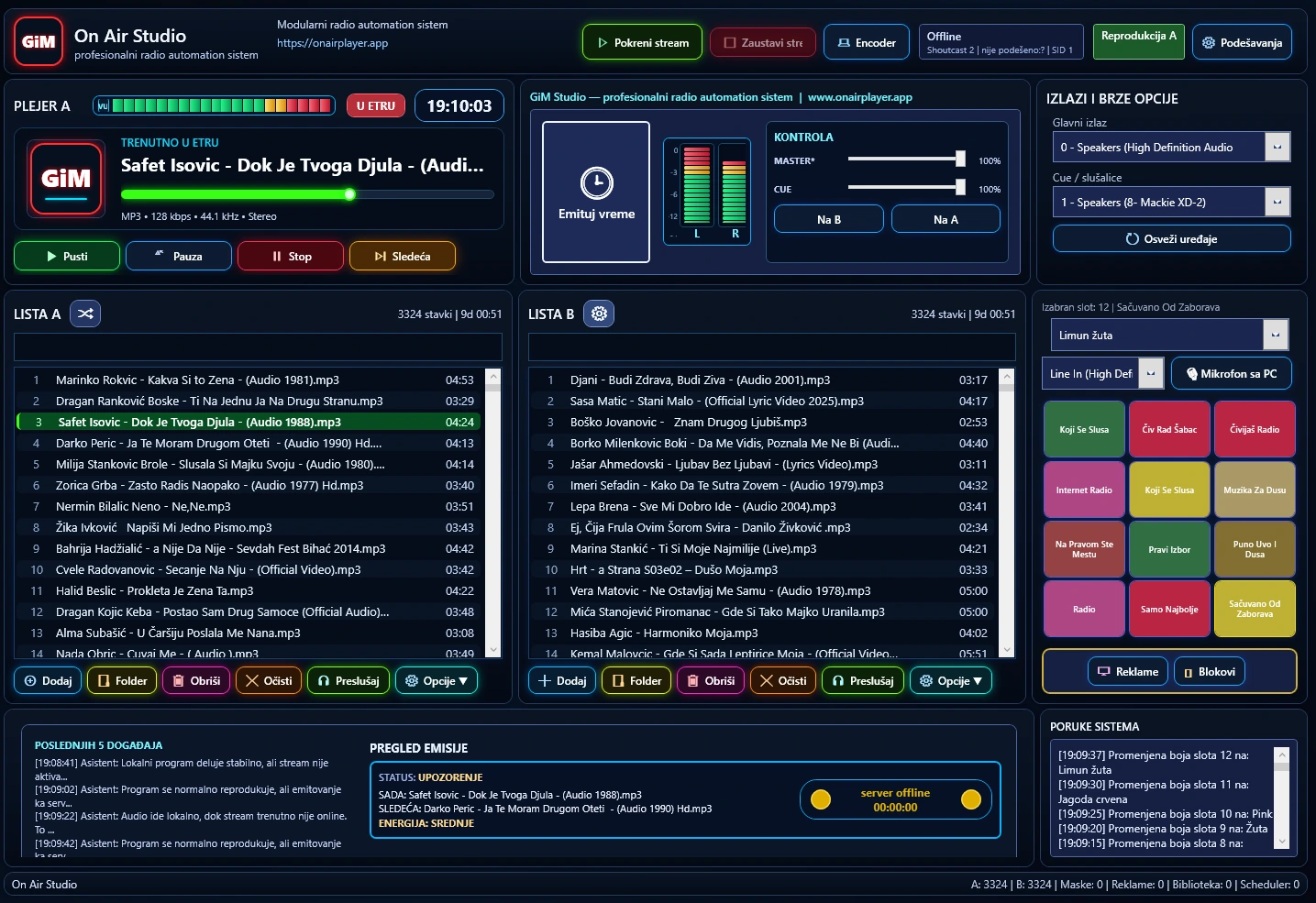
On Air Studio combines playback, scheduling, advertising blocks, Cue monitoring, Line In input and streaming in one clear workspace. It is designed for radio stations, web radios and production teams that need reliable 24/7 operation, a precise programme flow and less dependence on multiple separate tools.
Stable 24/7 operation
Smart song ending
Built-in streaming
Line In for live work
ON AIR
On air now
Scheduler
Programme planning
A / B Player
Two lists at once
Scheduler logic
Music, ads, jingles and priority events at defined times.
Streaming engine
Shoutcast/Icecast, encoder and reconnect mechanism.
Cue system
Preview without entering the main programme.
Main modules
Main modules
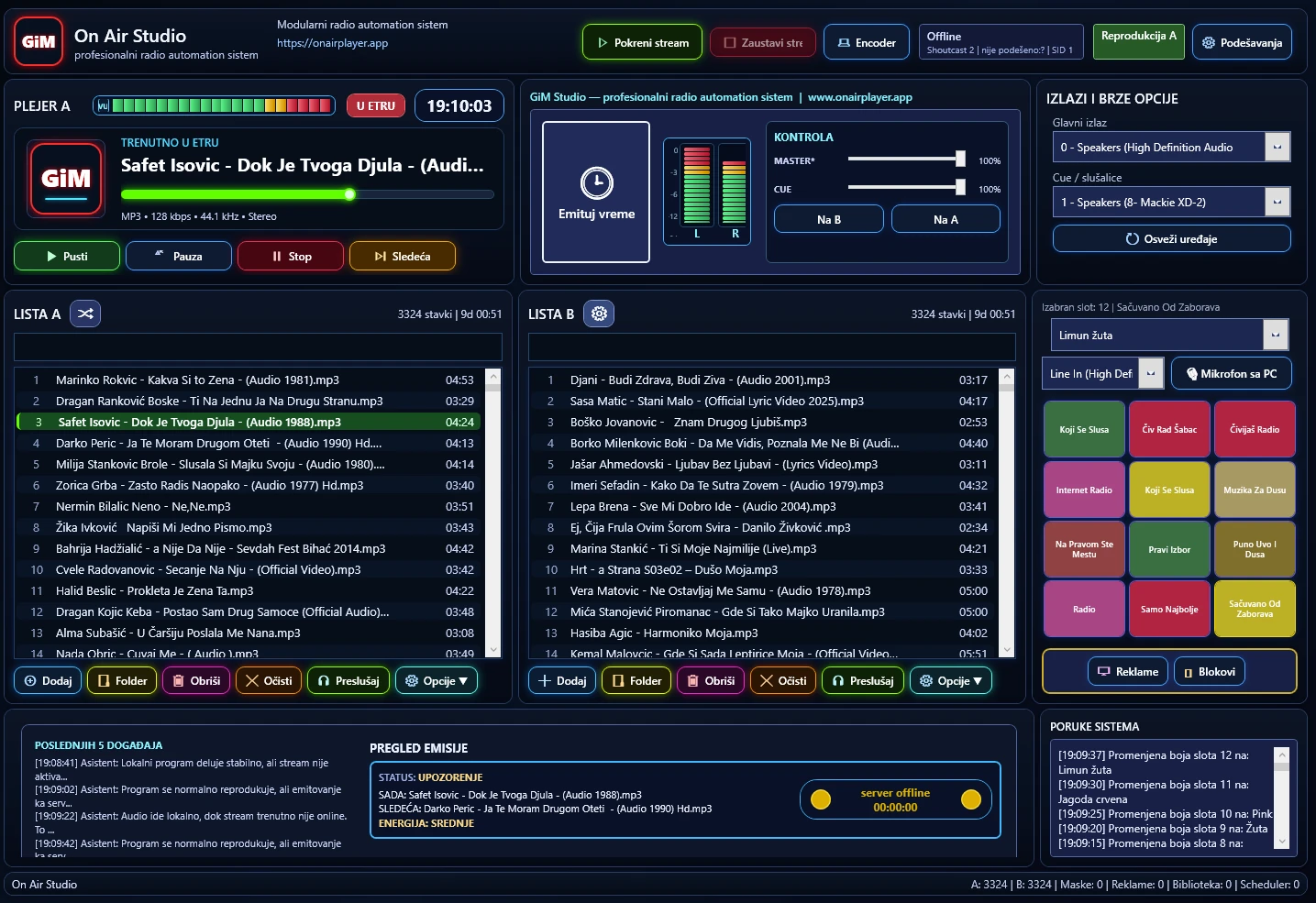
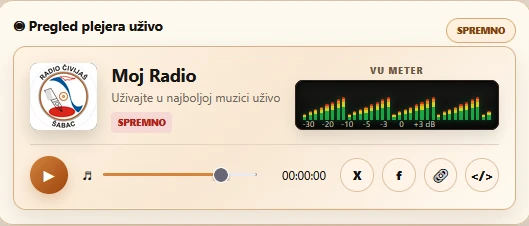
Modules are shown through real application screens: library, ads, settings, encoder, cue and the main player.
Music library
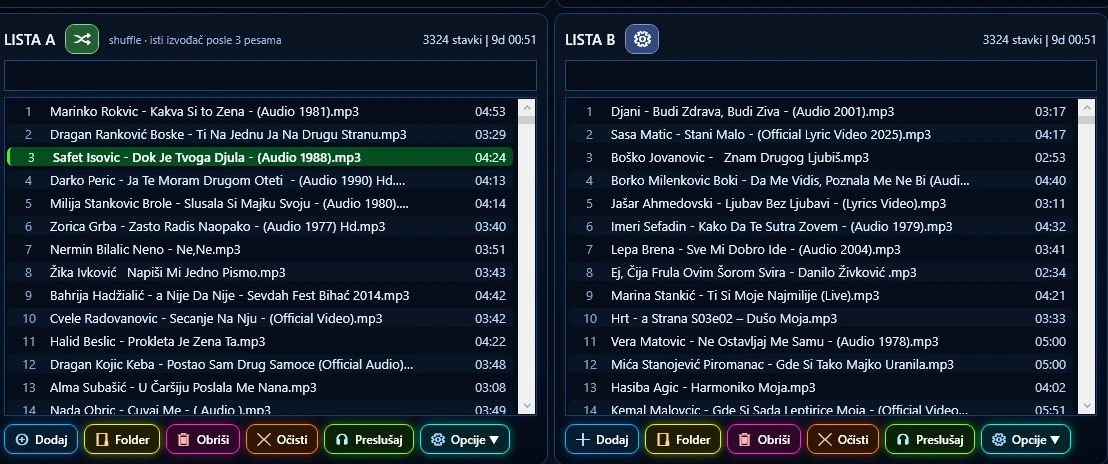
Advanced library, search, categories and metadata.
Details →Advertising blocks
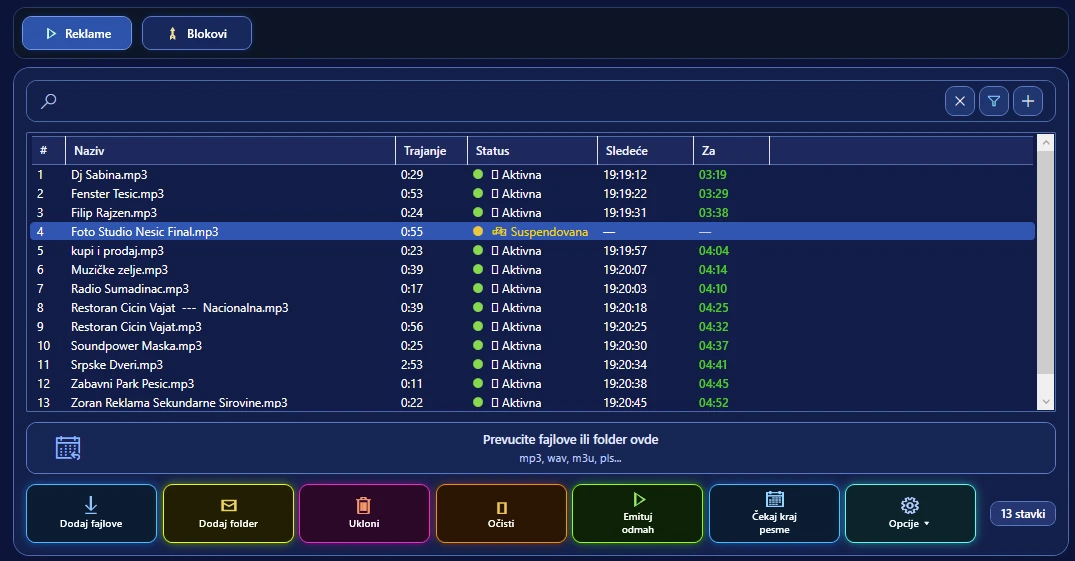
Create blocks, schedule ads and jingles without interrupting work.
Details →Settings
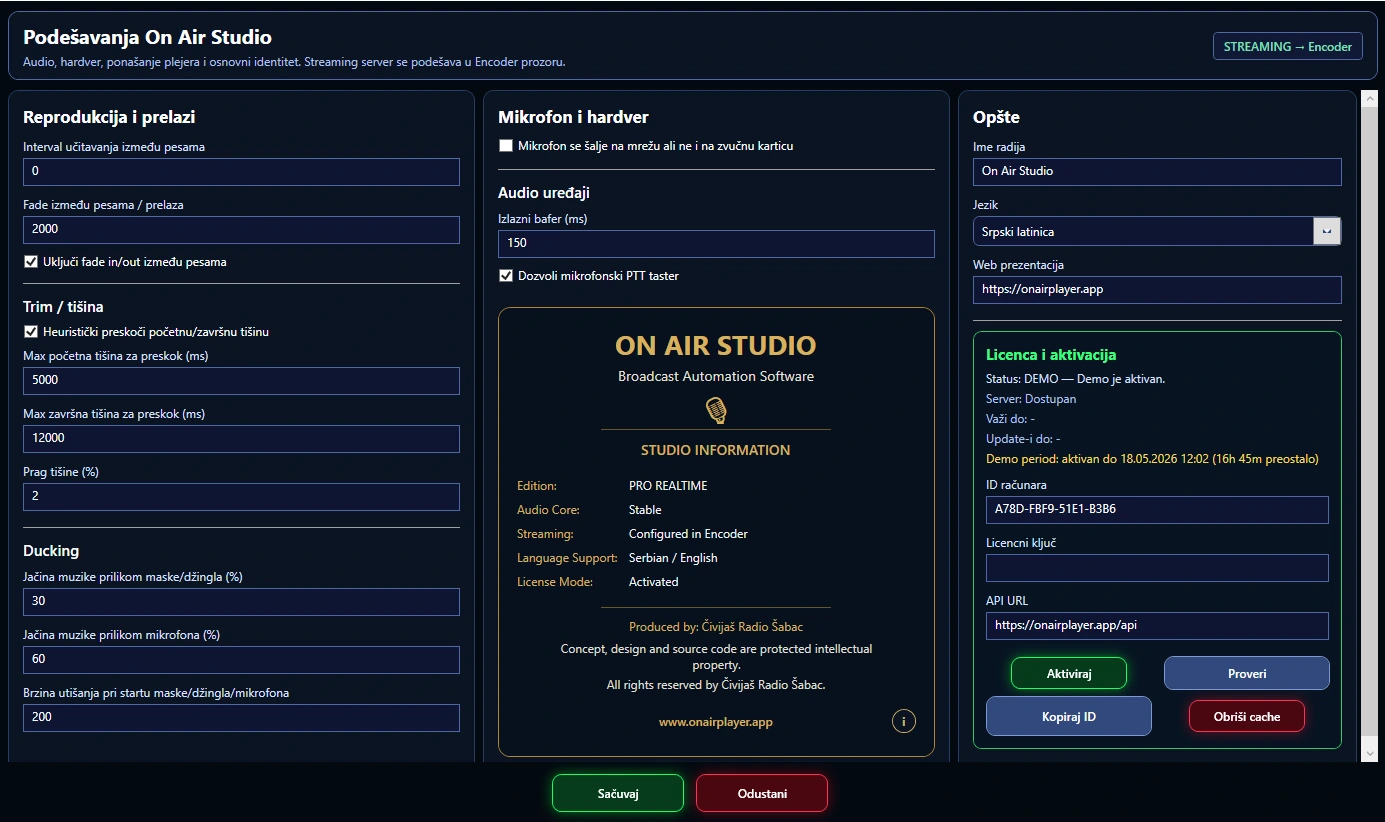
Detailed system, audio output and permission settings.
Details →Encoder
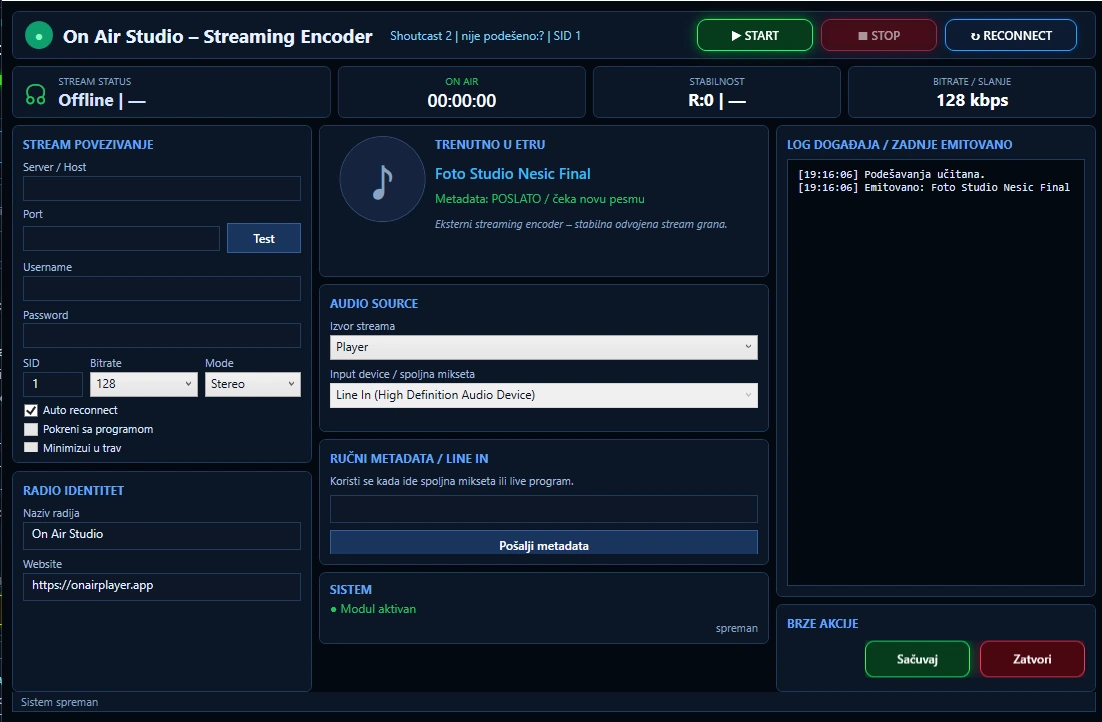
Streaming encoder with metadata, logs and connection control.
Details →Cue monitoring
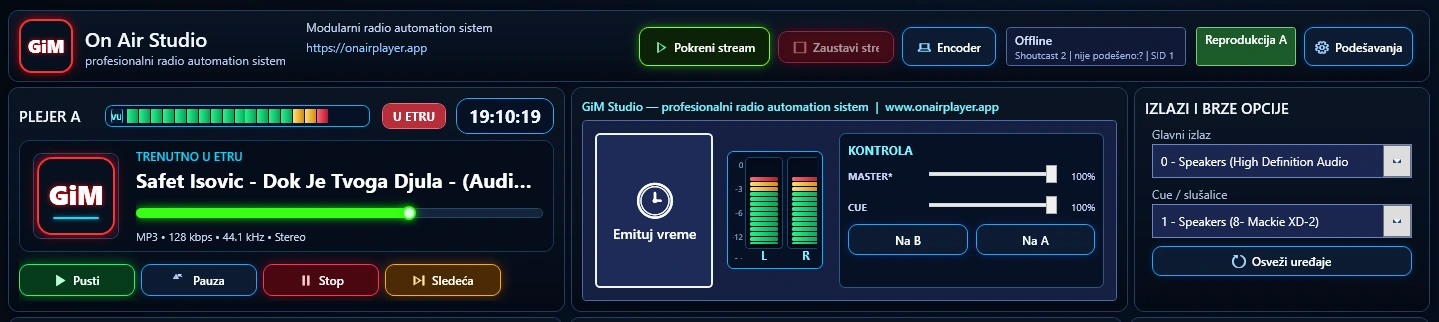
Cue signal monitoring and real-time previewing.
Details →A / B players
Two independent players for more flexibility in the programme.
Details →Software built for real studio work
The system is designed as a classic radio automation pipeline: the application starts services, the Audio Engine prepares playback, the scheduler decides what comes next, and the streaming module sends audio to the server.
- Precise playback without dead air
- Scheduler for music, ads, jingles and shows
- Cue preview separated from the main output
- Built-in Shoutcast / Icecast streaming
- Saved settings, servers, playlists and audio devices
How it works
The workflow stays simple: prepare content, organise the programme, start broadcasting and monitor the stream.
Load content
Music, ads, jingles and shows enter the system as part of the programme.
Organise the programme
Library, categories, blocks and playback order remain clear.
Start the scheduler
The scheduler follows time, track endings and priority events.
Broadcast and monitor
The main output goes on air while the streaming module sends audio and metadata.
For real-world testing
The free time-limited version lets you test the application as if it were already running on your radio.
WindowsmacOS infoLinux info
For radio teams
Designed for daily on-air work
This section is intended for radio stations, web projects and users that use or test On Air Studio and related tools.
Users
Radio stations and web broadcasting
Examples of radio stations and web projects that can use On Air Studio and related tools.
 Čivijaš Radio
Open site ↗
Čivijaš Radio
Open site ↗  Radio Šumadinac
Open site ↗
Radio Šumadinac
Open site ↗
Radio workflow
Built for radio stations and web broadcasting
A compact overview of the core elements that explain how the system fits everyday broadcast work.