Load content
Music, ads, jingles and shows enter the system as part of the programme.
 On Air Studioprofesionalni radio automation sistem
Modules are shown through real application screens: library, ads, settings, encoder, cue and the main player.
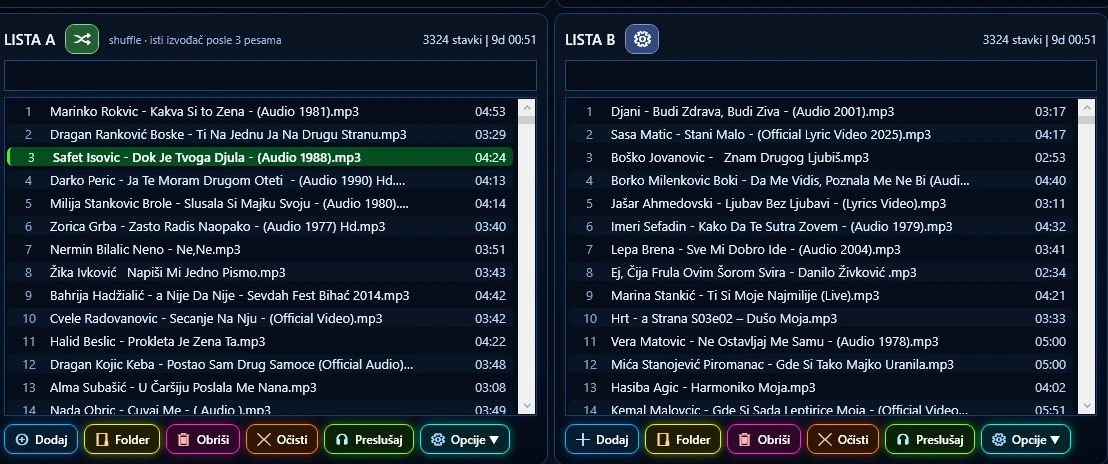
Advanced library, search, categories and metadata.
Details →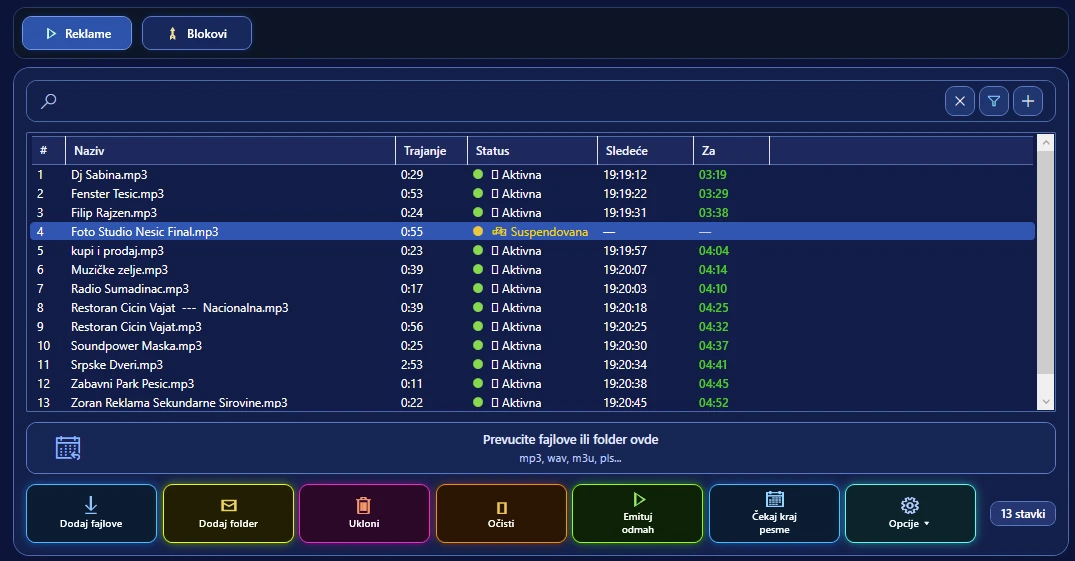
Create blocks, schedule ads and jingles without interrupting work.
Details →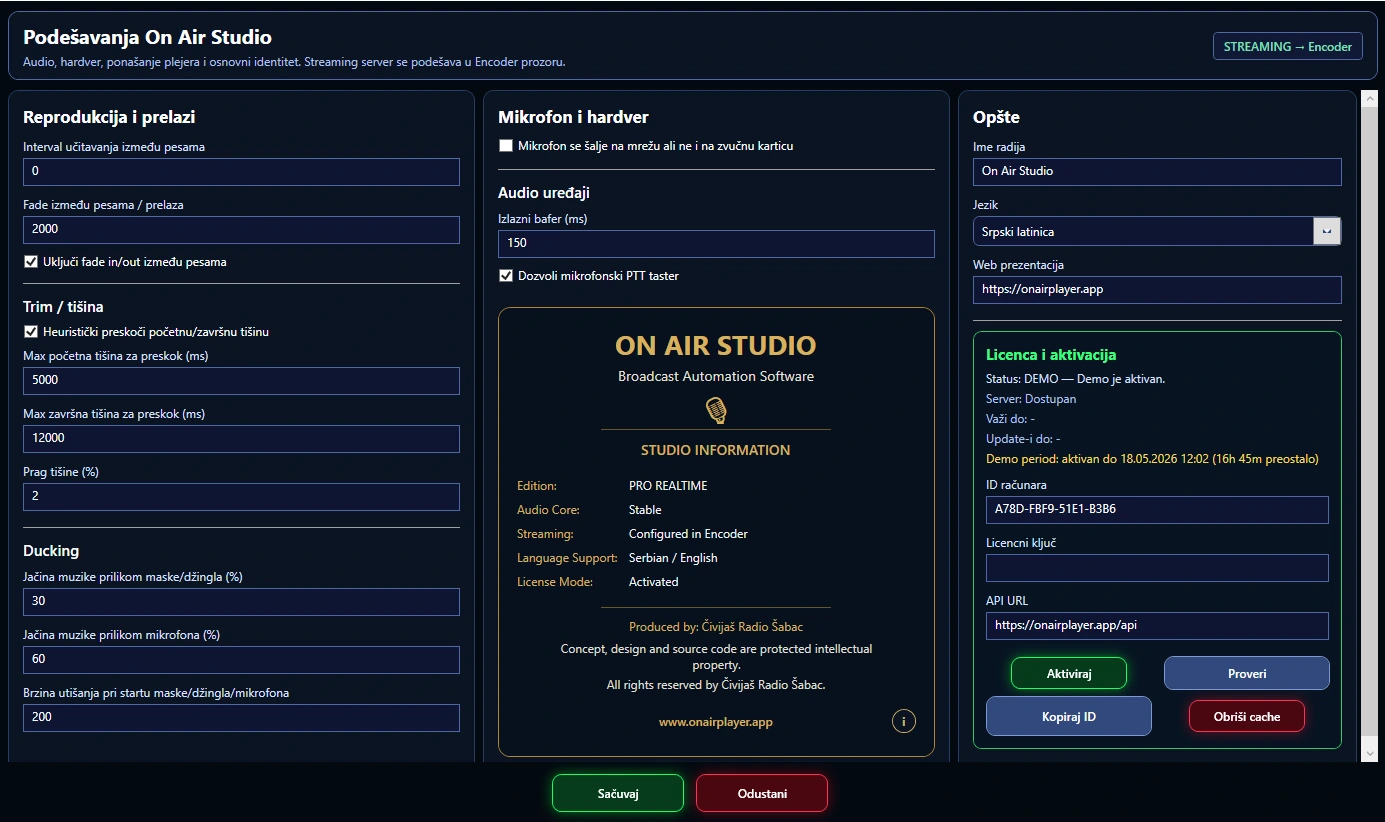
Detailed system, audio output and permission settings.
Details →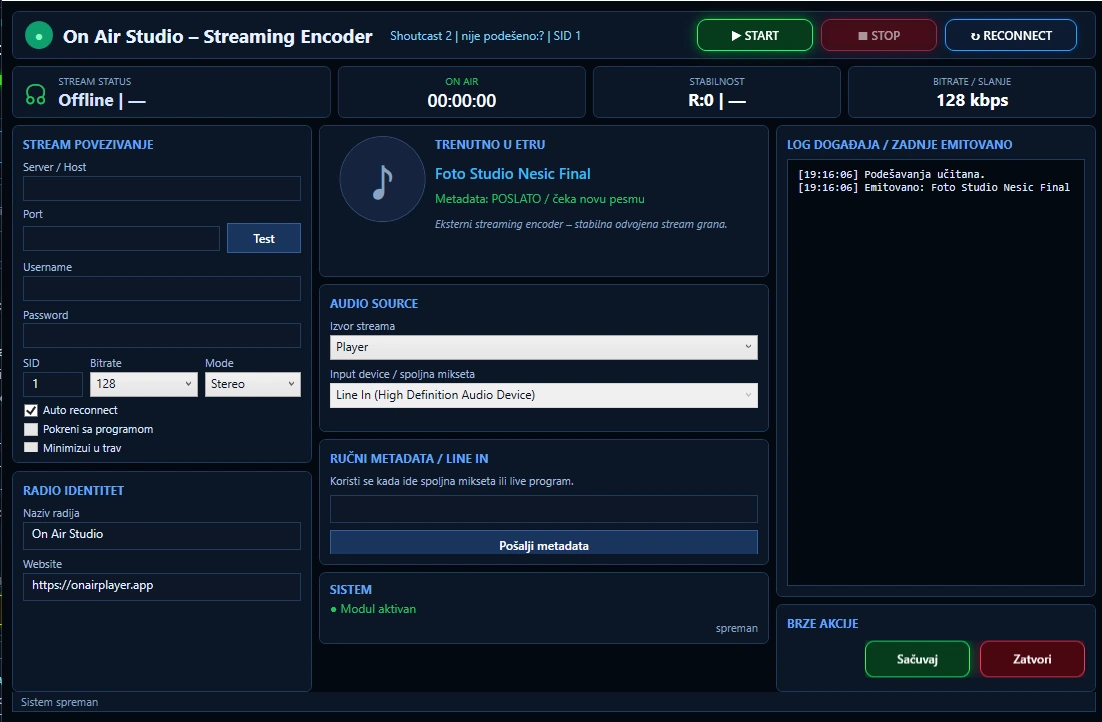
Streaming encoder with metadata, logs and connection control.
Details →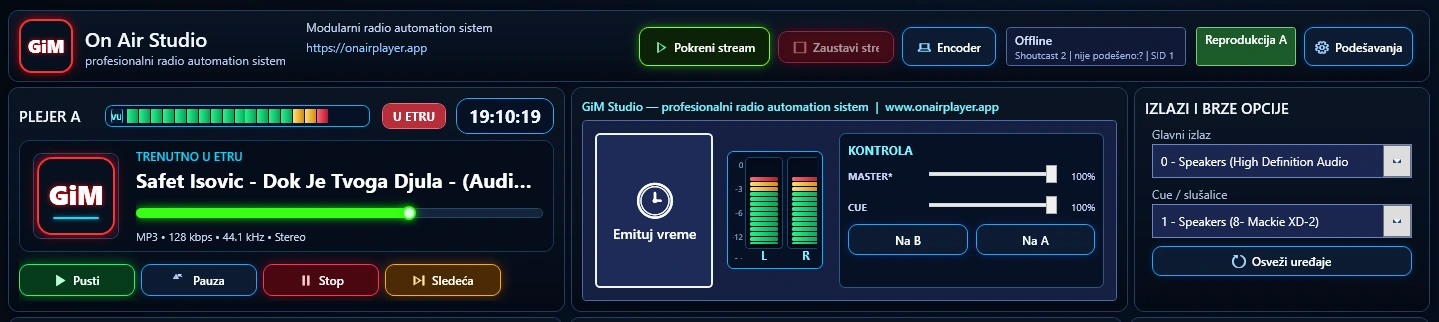
Cue signal monitoring and real-time previewing.
Details →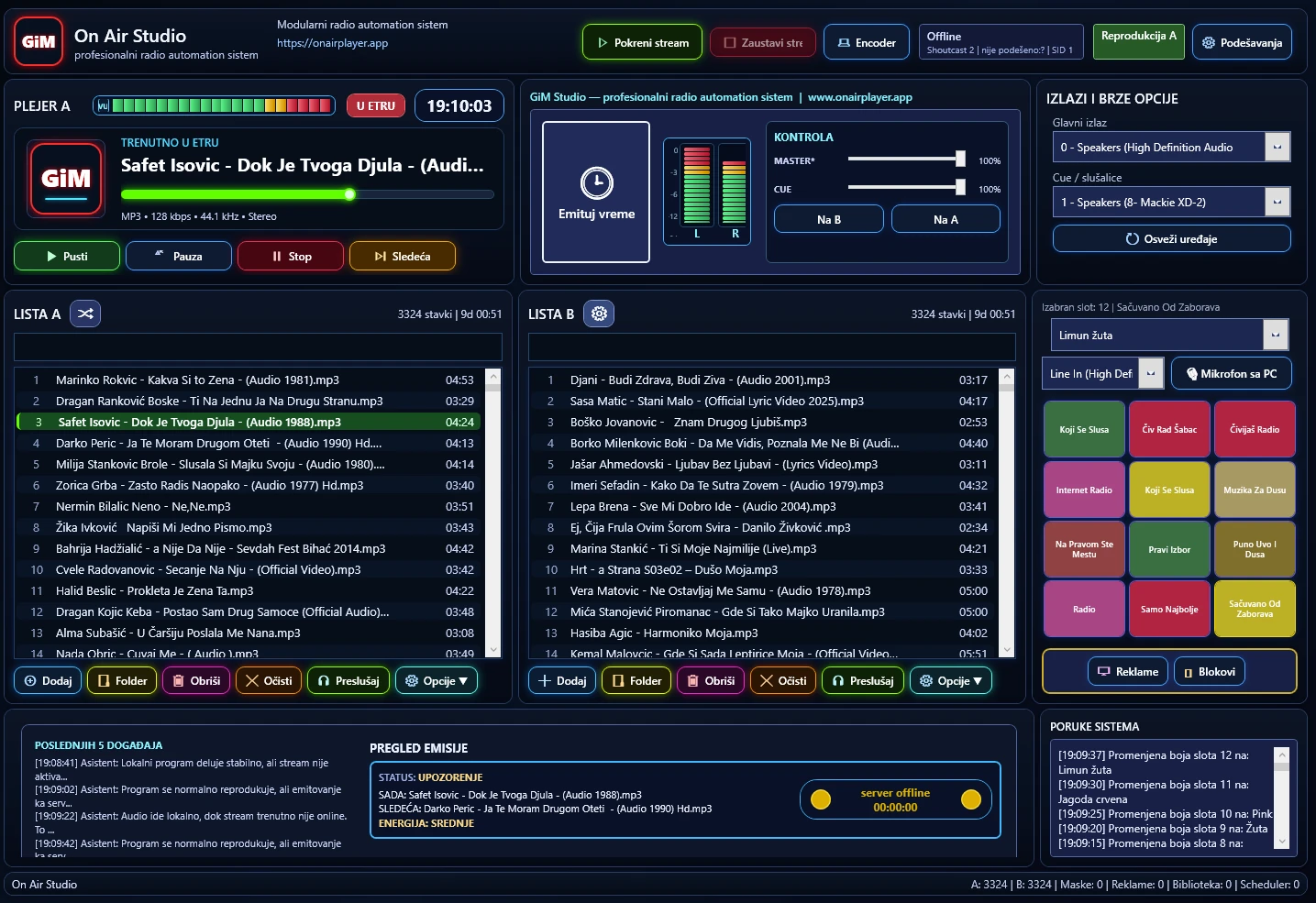
Two independent players for more flexibility in the programme.
Details →The workflow stays simple: prepare content, organise the programme, start broadcasting and monitor the stream.
Music, ads, jingles and shows enter the system as part of the programme.
Library, categories, blocks and playback order remain clear.
The scheduler follows time, track endings and priority events.
The main output goes on air while the streaming module sends audio and metadata.
This section is intended for radio stations, web projects and users that use or test On Air Studio and related tools.
Examples of radio stations and web projects that can use On Air Studio and related tools.
A compact overview of the core elements that explain how the system fits everyday broadcast work.
 Čivijaš Radio
Open site ↗
Čivijaš Radio
Open site ↗  Radio Šumadinac
Open site ↗
Radio Šumadinac
Open site ↗