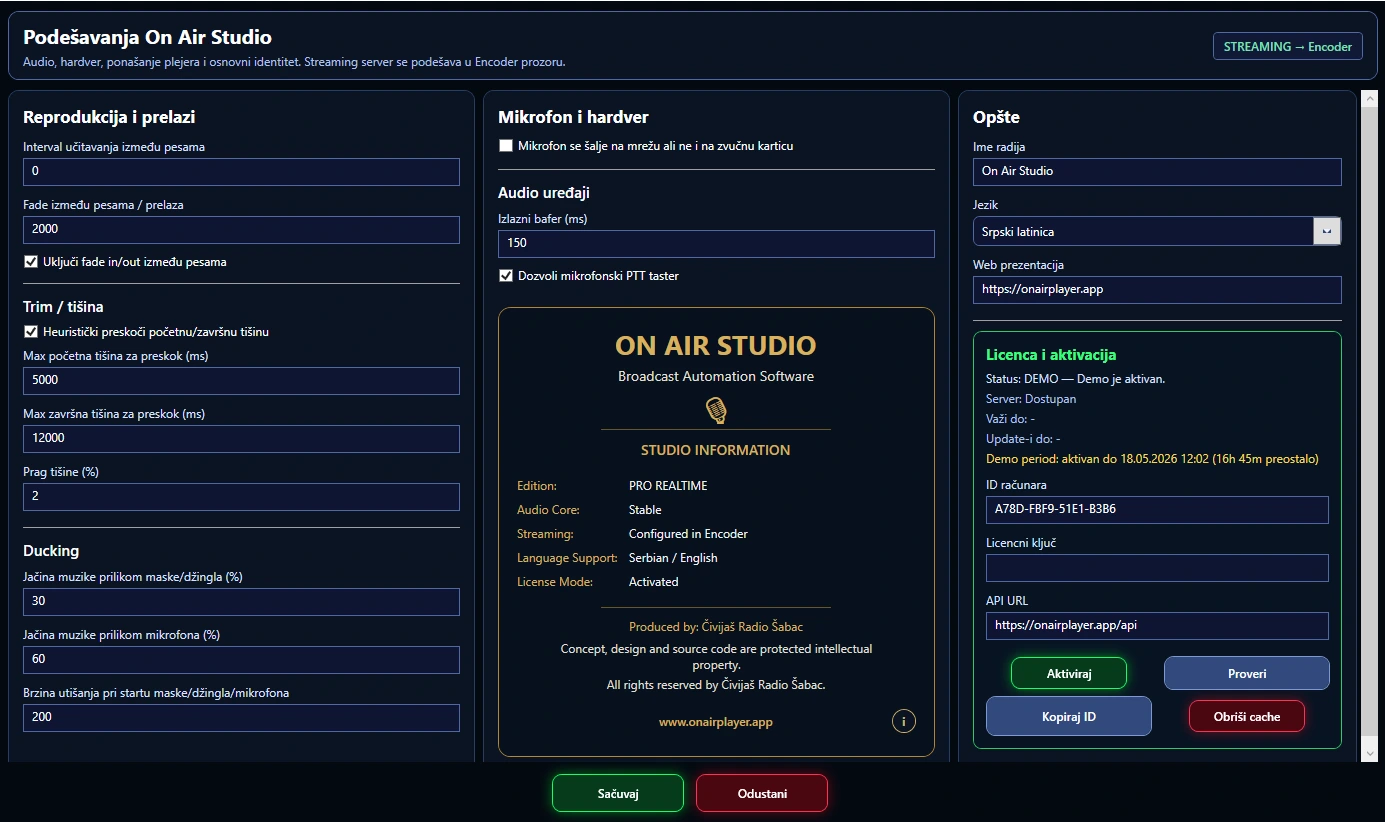
Good radio software remembers your studio
On Air Studio stores a large number of operational settings: audio devices, crossfade, trim, Cue output, microphone, streaming server, bitrate, artist separation in Shuffle, behaviour when switching playlists, time announcements, backup, alarms, the application window and other details.
The point is not the number of options, but that you define your working setup once and then use it day after day. Settings are applied when you save them — an accidental change in the window does not immediately change the programme on air.
Audio devices
The main output and the Cue output can be separate. The microphone has its own input selection, and streaming uses the main master or a specific input, depending on the settings. You refresh the device list when you change hardware.
This makes it suitable for different studios — from a single computer with headphones to a setup with a physical mixer and several audio interfaces.
Playback
Pause between tracks, crossfade, track fading, silence trim and remaining time display: you configure the player’s behaviour to suit the station’s format, instead of everyone using the same kind of transition.
Shuffle
You enable Shuffle separately for playlists A and B and set the artist separation — a practical control that affects the everyday music flow.
Live operation
The microphone settings define the input, the music level during speech and the transition speed, so live work adapts to the presenter’s habits.
Streaming
Server, port, credentials, SID, bitrate, stereo mode, audio source and backup source parameters are part of the central configuration, in a separate Encoder window. The stream profile is repeatable, not something you have to put together by hand every time.
Operational safety
Silence alarm, auto-start, resuming broadcasting, clock check, backup and phone notifications are all in one place — these are the rules for how the system behaves when nobody intervenes manually.
Window memory and language
The application remembers the size, position and maximised state of the main window. A small thing, but in a studio with a fixed monitor or several screens, the working environment stays where you expect it. The application is available in several languages, including Serbian, English, German, Italian, Portuguese and Russian.
What you get
- a setup tailored to your own hardware;
- less reconfiguring;
- clear control over playback and transitions;
- one place for the stream, microphone, Cue and safety rules;
- predictable behaviour at every start-up.