Why two playlists
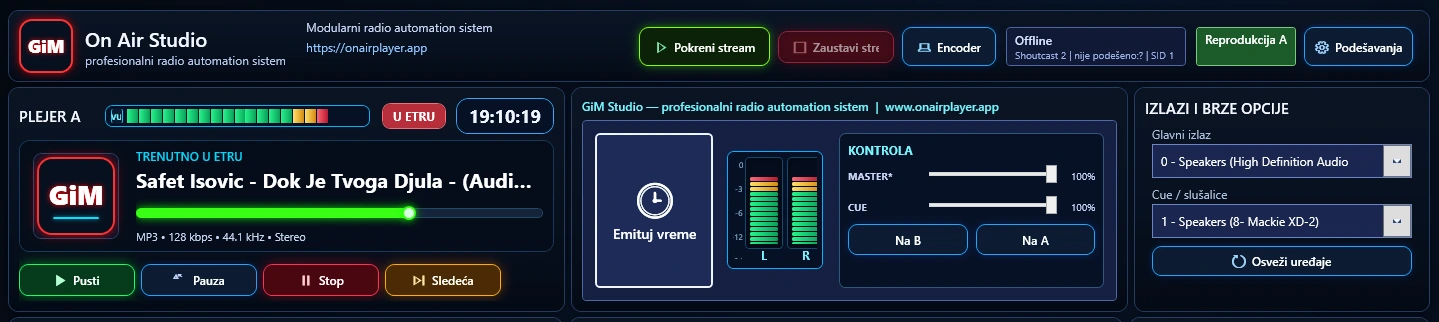
In a radio studio, a Play button alone is not enough. The operator often airs one segment of the programme while already preparing the next. That is why On Air Studio uses two working playlists — A and B — which give you room to prepare and to switch between parts of the programme in a controlled way.
The active playlist is what goes to air. The other one is edited and prepared without stopping the current flow. When it is time to change, the system switches to the other playlist according to the configured logic: immediately or after the current track, with a hard cut or a fade/crossfade.
What this means during a live show
Imagine a morning show: playlist A contains the regular music, while the presenter prepares a special segment with three songs and a jingle in playlist B. The running order already on air is left untouched. When the segment is ready, the switch is made in a controlled way, and playlist A is kept so you can continue with it afterwards.
The same logic helps with themed shows, overnight programming, a backup playlist, or whenever you need to quickly separate planned content from what is currently on air.
Playback automation
When automation is running, the system picks the next item from the playlist according to the active mode. You do not have to click every song — the playlist is a running order that the system follows reliably, and the operator can still step in when needed.
Shuffle is not a purely random choice
A purely random choice often gives a poor result on the radio: the same artist turns up two or three times within a short period. Shuffle in On Air Studio has an artist “cooldown” — it keeps track of recently played artists and avoids them for a set number of upcoming tracks.
Playlists A and B have separate Shuffle controls and artist separation settings, so you can adapt the behaviour to the type of playlist.
What you get
- Safer preparation. One playlist runs while the other is being prepared.
- Fewer interruptions. Changing the programme does not mean tearing down the current playlist and rebuilding it.
- A more natural Shuffle. The same artist is less likely to repeat too soon.
- Controlled transitions. Switching after the current track and fading make a playlist change less abrupt.
- A more flexible format. One playlist can be the automated music programme, the other a special show, a backup or a prepared segment.
Where automation ends. Shuffle does not “understand” musical taste the way an editor does. It solves a specific problem of repetition and selection from the available playlist — the quality of the programme still depends on what you put into the playlist and how you have organised your content.